Spring Release
Dear beta testers,
Happy Spring! Many of us in the industry are in a constant state of upheaval, so I hope my project update offers a fun little distraction.
I’ve just shipped the latest version of Terminal Click: TC v0.8.4. I’ve been re-examining the basics to get us out of the beta and become a “fully grown” Terminal Click, sooner rather than later. Indeed, I was tempted to label this release TC v0.9.0 but I don’t believe we’ll get to that tantalizing number until summer time.
The full update is in our CHANGELOG file. I’ll expand on the most interesting bits here.
Note: I’m on macOS today, but the demos below also work on Windows and Linux.
New Working Directory
The working directory is one of the most important ideas for modern terminals, so every few months I like to revisit it to see if we can’t do better.
Remember the last working directory.
Terminal Click can now recall its previous working directories. When we close and re-open TC we cd to the last one automatically:
If it no longer exists we revert back to the user’s home.
Clickable folders.
We may select any individual folder present in the filepath:
Notice how we navigate to it with a single click.
Distance-based color interpolation.
The position of the mouse lights up different parts of the filepath:
This confirms at a glance which folder would get triggered on a mouse click.
Walkable Directories
What we might call the file browser now wears the more impressive title Walkable Directory. This is because the terminal cursor may dislodge itself to “walk around” freely and, for example, rename our files.
Renaming files.
First we trigger the walkable directory, then use the mouse or keyboard to select a file. Press <Backspace> to begin editing:
Once finished, we use <Enter> to rename or hit <Esc> to cancel.
Preview text.
Valid plaintext files can now be previewed immediately:
Cautious readers will begin to see how these features work together. For example let’s delete demo.txt using rm:
Upcoming versions will support syntax highlighting with extra file-related actions.
Note: Although I’m using the mouse a bunch, Terminal Click supports hotkeys for almost every click.
Images with rounded corners.
For the sake of more polish, images are no longer rectangular:
We have custom shaders to round off their corners.
Applying Physics to our Cursor
It shouldn’t be called a Handmade project if we don’t apply a physics body to something in our software. For terminals the cursor is the perfect candidate!
Cursor shake.
Try running a command which doesn’t exist:
What if we rename a file without enough permissions?
We use this effect for other bad operations the user might perform, reinforcing it with a warning popup if it’s not obvious why it was invalid.
Spring dampener.
The spring dampener is a classic physics equation used in game development. We take into account the velocity and properties of the body (and how far it will travel.) We’ve seen it in action already: it’s the reason the cursor looks and feels so bouncy.
Website Facelift
A common piece of feedback from newcomers is they can’t find a primer for Terminal Click’s. There’s videos available, but most passers-by prefer to read something.
Better landing page.
The front page now has a series of GIF animations with quick explainers! The links on each blurb will take the curious reader to the new user guide.
New user guide.
We’ve published the official wiki for Terminal Click:
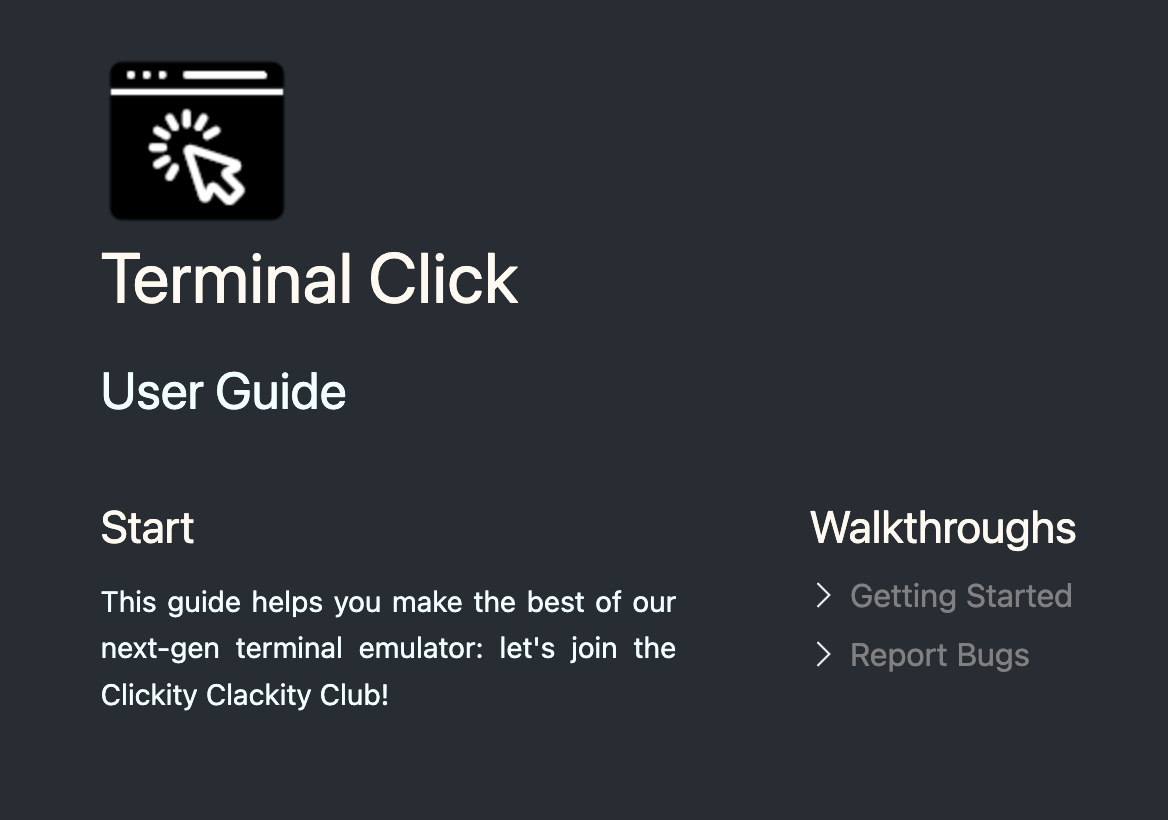
It could stand more fleshing out, but we cover a majority of features.
Succinct Terms of Service.
The TOS came across too legalese (i.e. hard to read) so I’ve humanized it without losing rigor. As always, any copy of Terminal Click you download while subscribed is 100% offline and yours to own.
Next TC Release
I’m keen to return to a stable rhythm. I need to re-examine our other “basics.” I also expect bug reports from all the additions above, so we’ll spend the rest of March addressing them!
No more GitHub.
As discussed in the user guide, I am moving us to a Terminal Click Gitea. Self-hosting and homelabs are all the rage now, didn’t you hear?
In the meantime please file bug reports by email as I am no longer responsive on GitHub.
Bringing in contributors.
If we’re serious about shipping a production-grade terminal I’ll need outside support. I’m not hiring contractors at this time, but I’ve enlisted the help of a couple of talented volunteers. (They are more well-off than I am!) They’re donating engineering time to fortify Terminal Click: think fuzzing, regression tests, bug fixes and so on.
Our new contributors are being onboarded, so I’ll hold off on elaborating until the next monthly build.
Until April,
Abner